Stream Deck plugins for flight sim
Your cockpit, on your Stream Deck.
Free plugins for Microsoft Flight Simulator that put checklists, ATC and live traffic on your keys and dials. Built by a simmer, for simmers and streamers.
The plugins
Pick what you fly
Each plugin installs on its own, so use one or all three.
Why these plugins
Made for how you actually fly
Talks to the sim
The plugins read live data from MSFS, Airside and VATSIM, so your keys show what's really happening, not just shortcuts.
Works on your deck
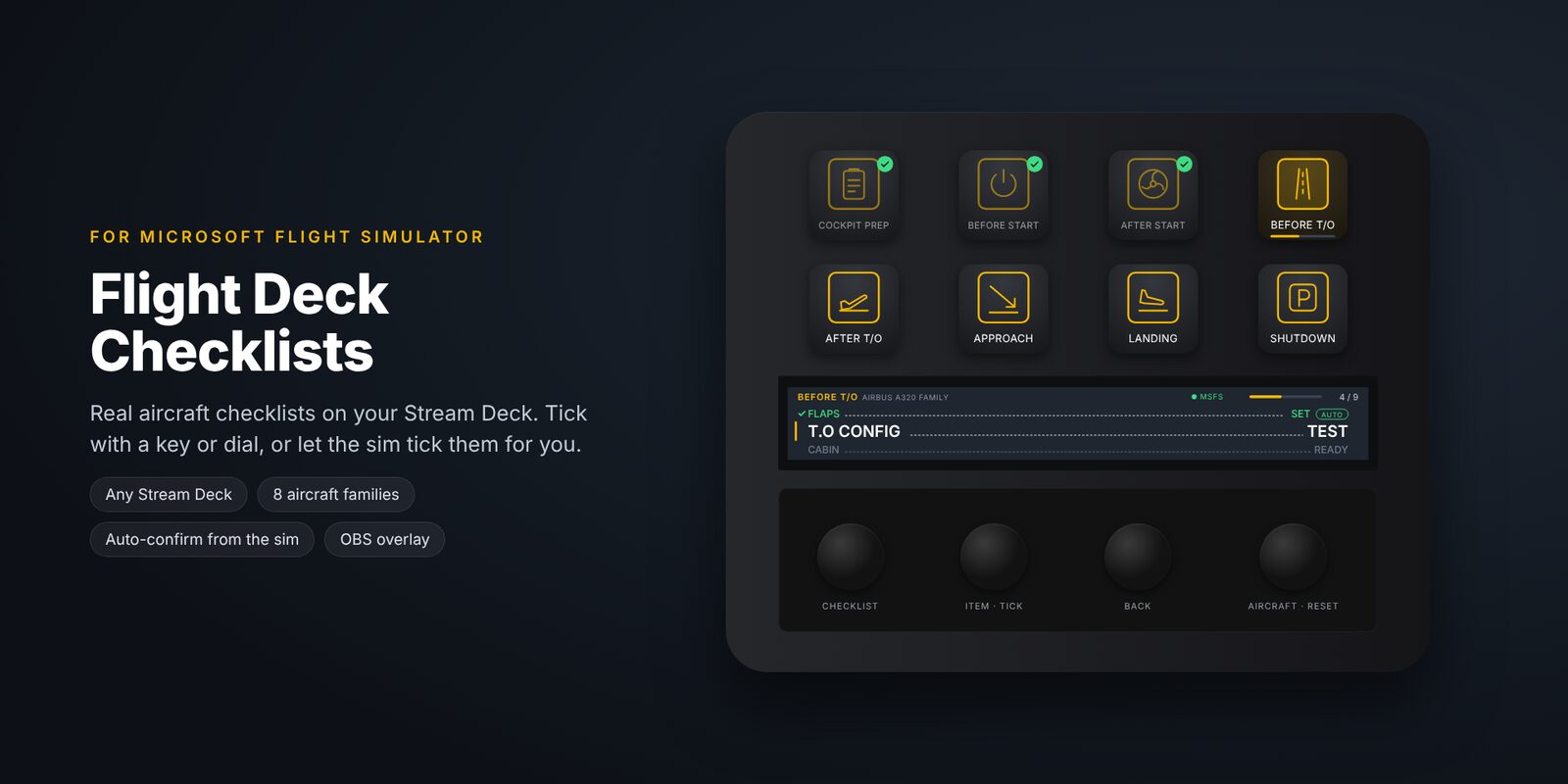
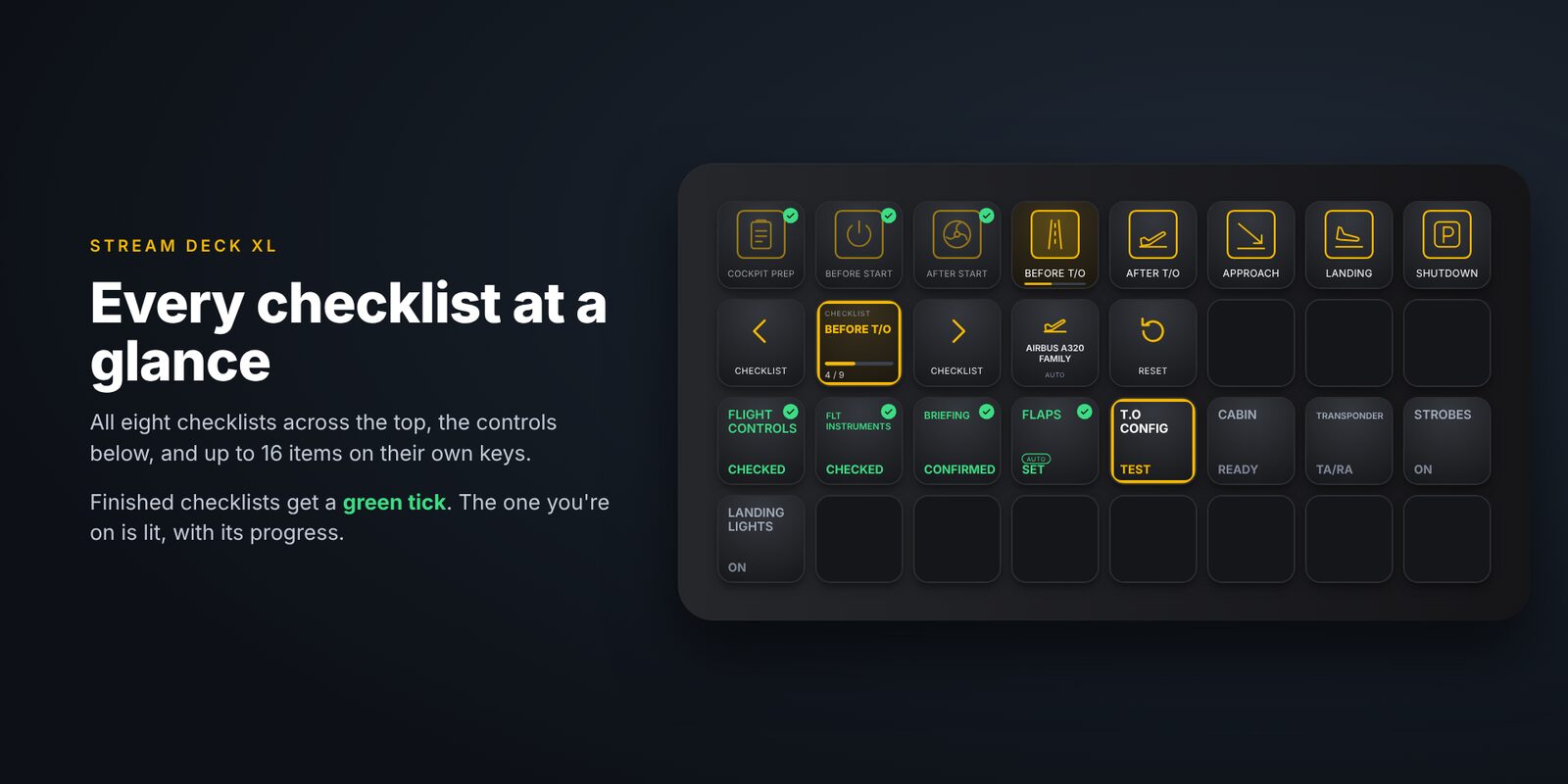
Layouts for the Stream Deck +, standard 15-key, XL, Mini and Neo. Each action sets itself up from where you drop it.
Stream-friendly
OBS overlays, chat posts and big, readable keys. Designed on a live Twitch flight deck.
Questions
Good to know
Are the plugins free?
Yes. Download them here or on flightsim.to.
What do I need?
Windows 10 or 11, the Stream Deck app, and the sim each plugin works with. Each plugin page lists exactly what it needs.
How do I install one?
Double-click the .streamDeckPlugin file. The Stream Deck app installs it, and its actions appear in the list on the right. Drag them onto your keys and dials. They're Stream Deck plugins, so nothing goes in your MSFS Community folder.
How do I update?
Download the new version and double-click it. Your keys and settings are kept.
Are they official?
No. They're independent plugins, not affiliated with or endorsed by Elgato, Microsoft, Airside or VATSIM.